
How to Sign Up at JeetWin
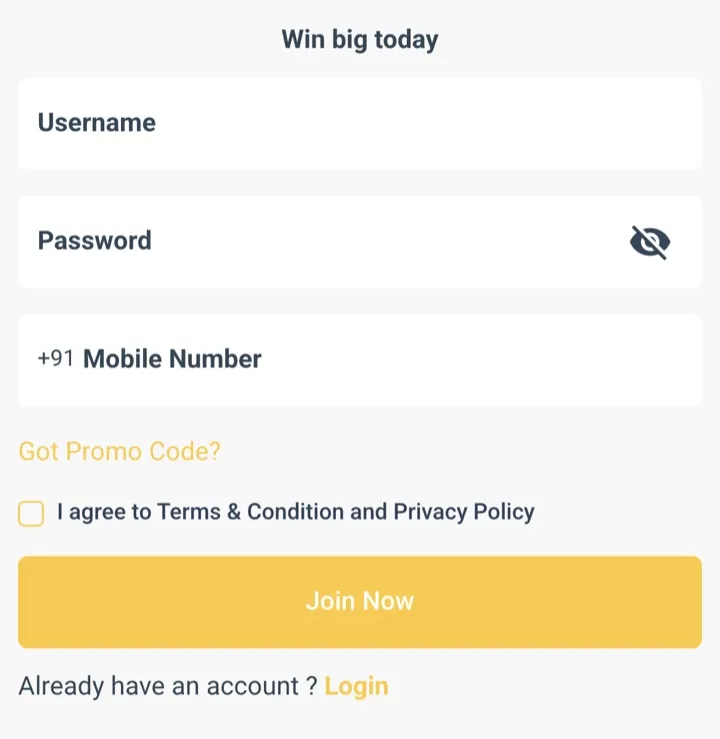
The sign-up form has four fields and no e-mail field. Have a username, a password and your mobile number ready, then follow the steps.
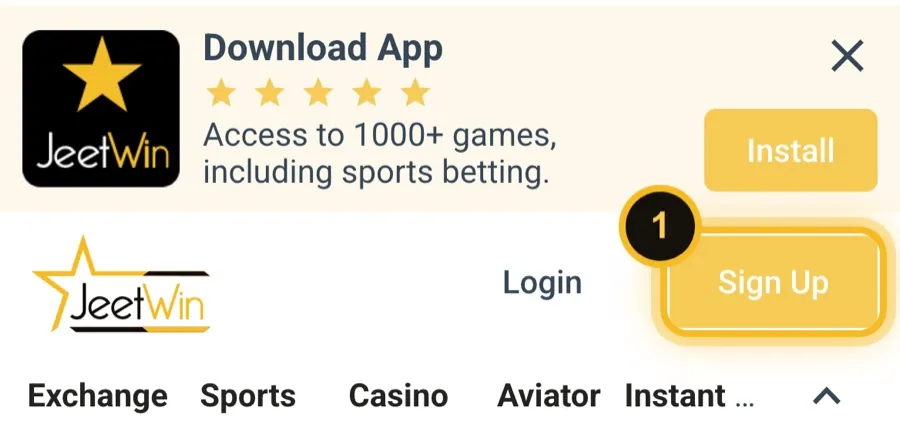 Open the form. Tap Join Now on this page, or press Sign Up next to the Login button in the site header.
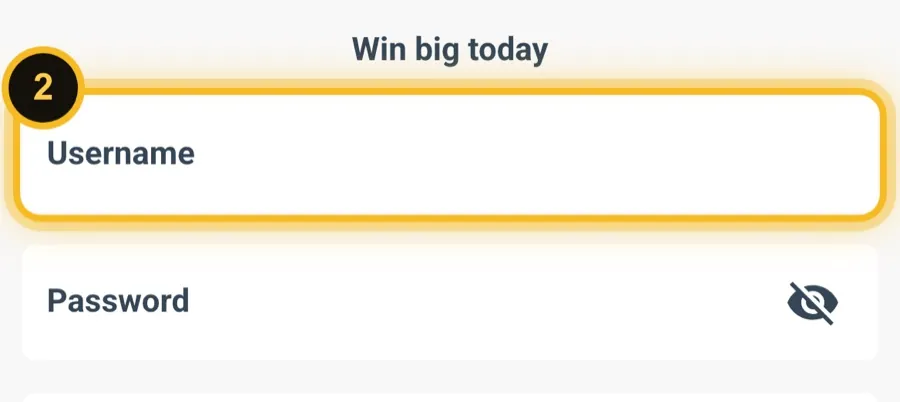 Choose a username. This is the name you log in with, so pick one you will remember.
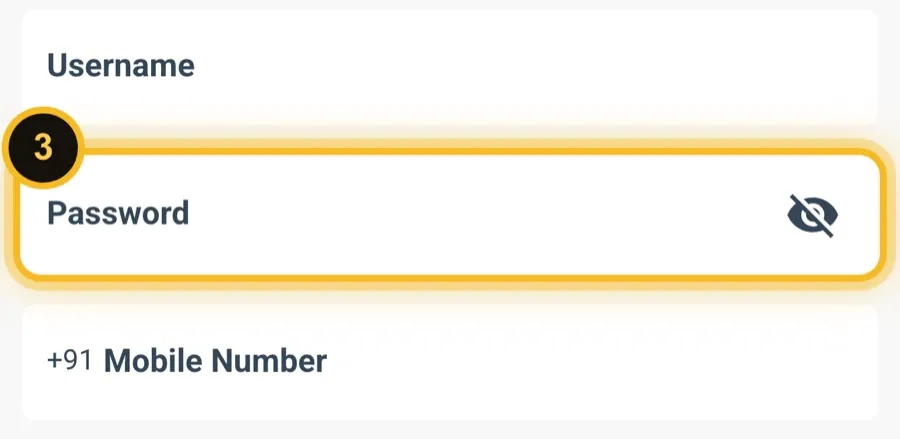 Create a password. Mix letters and numbers, and do not reuse a password from other sites.
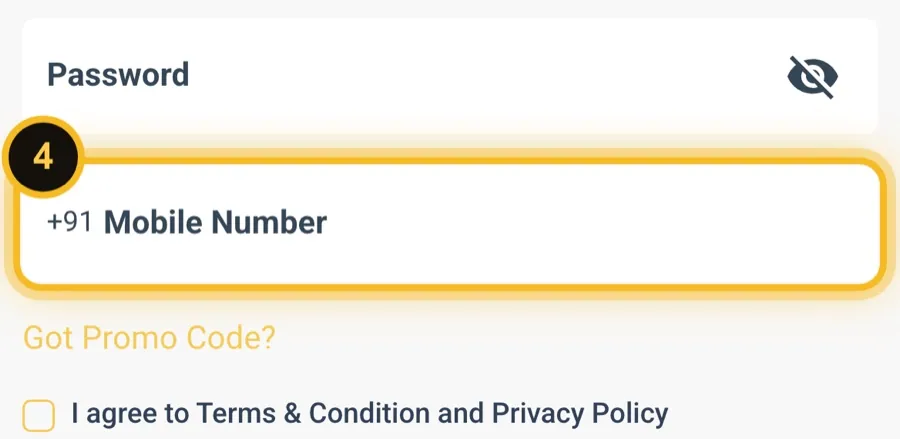 Enter your mobile number. Type your 10-digit number after the +91 code.
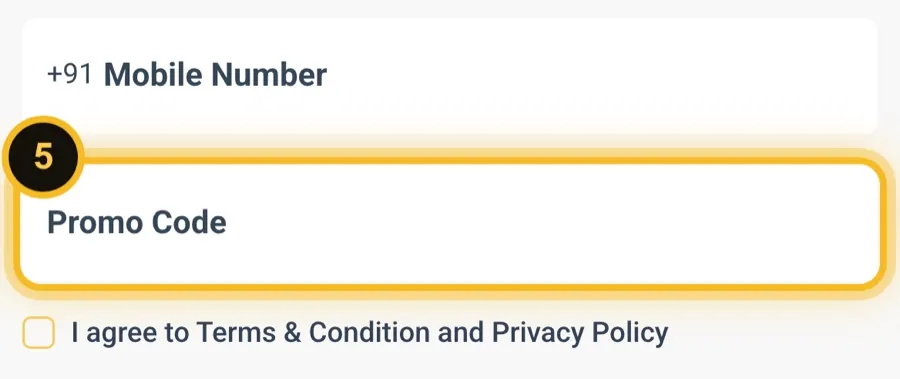 Add a promo code if you have one. The “Got Promo Code?” field is optional; leave it empty if you have no code.
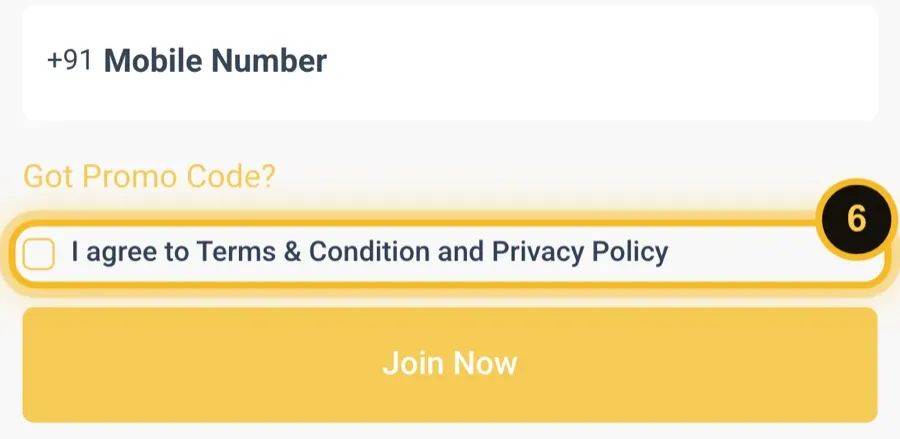 Accept the terms. Tick “I agree to Terms & Condition and Privacy Policy”.
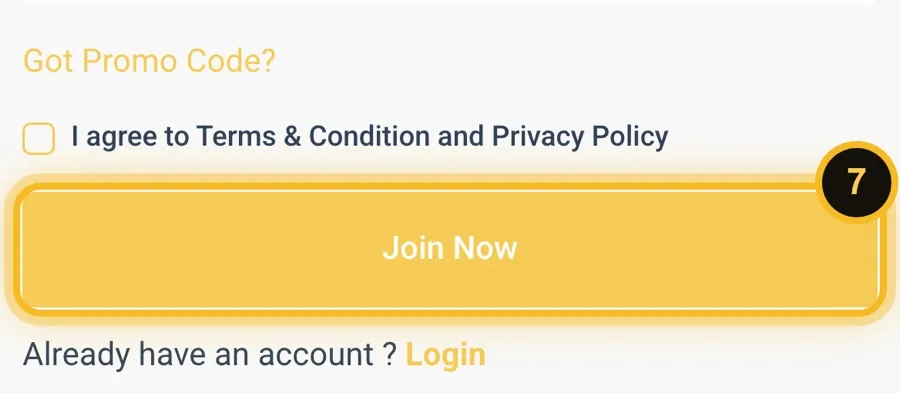 Tap Join Now. The yellow button creates your account, and the balance opens in Indian rupees.
| Device | Where the form opens | After sign-up |
|---|---|---|
| Computer | Sign Up button in the site header | Log in from the header fields |
| Android phone | Mobile site in the browser | Install the APK and log in with the same details |
| iPhone or iPad | Mobile site in Safari | Add the site to the home screen |
On a phone, the same form opens in the mobile browser, and the Android app works with the account you create there.
Registration Form Fields
Each field on the form has one job. The table shows what to enter and how to avoid errors.
| Field | What to enter | Tip |
|---|---|---|
| Username | Your login name | Write it down: a forgotten username needs an e-mail to support |
| Password | A private password | Avoid your name, birthday or mobile number |
| Mobile Number (+91) | Your Indian mobile number | Use a number you own and keep active |
| Got Promo Code? | A code, if you have one | Optional: offers are joined on the Promotion page |
| Terms tick-box | Consent to Terms & Condition and Privacy Policy | The form does not go through without it |
| Join Now | Submits the form | Tap once and wait for the page to load |
Check your details before you tap Join Now: later changes go through member support with identity verification.
Open Your Account Username, password and +91 number: 5 free spins after sign-up
Join NowRequirements for New Players
JeetWin accepts adults from India and checks that each person has only one account. Meet these rules before you start.
- You must be 18 or older;
- One account per person: false details can lead to suspension;
- Keep a photo ID and a recent utility bill with your name and address ready, because ID checks may come before a withdrawal or at any time;
- The form takes a mobile number with the +91 code;
- India is not on the restricted list;
- Players from Australia, Aruba, Bonaire, Curaçao, France, the Netherlands, Saba, Statia, St. Maarten, Singapore, Spain, the United Kingdom and the USA cannot play.
Laws on online betting differ between Indian states; check the rules where you live before you sign up.
Account Verification (KYC)
Verification confirms that the account belongs to you. JeetWin may request documents before any withdrawal and at any time.
| Document | Accepted examples | What it must show |
|---|---|---|
| Photo ID | Passport, driving licence or national ID card | Your photo and full name |
| Proof of address | Recent utility bill | Your name and address |
- A scan or a phone photo of the document is fine;
- You may cover sensitive data on the copies;
- Documents are stored on a secure server;
- Until the documents arrive, the account may be restricted;
- To change account details later, contact member support and confirm your identity;
- Show all four corners of the document;
- Keep the name, photo and address readable, with no glare;
- Use a utility bill with the same name as on your ID;
- Send a document that has not expired.
Keep both documents ready before your first withdrawal request, so you can send them as soon as they are requested.
What You Get After Registration
A new JeetWin account opens every section with one login. The table shows what is ready for you after Join Now.
| Feature | Details |
|---|---|
| Sign-up gift | 5 free spins and a chance to win prizes |
| Products | Sports, the 9Wickets exchange, casino, live games, slots, fishing and lottery |
| Games | 1,000+, including sports betting |
| Currency | Indian rupee (INR, ₹) |
| VIP Club | Bronze level after your first deposit |
| JW Points | Earned by playing; the amount depends on the game and the wagering |
| Devices | Website, mobile site and Android app |
| Support | Live chat 24/7, Telegram @jwinrtgsupport, e-mail |
Your JW Points balance shows next to the account balance, so you can track it from the first bet.
Welcome Offers After Sign-Up
Every new member receives 5 free spins and a chance to win prizes after sign-up. With a deposit, you can then join one welcome offer on the Promotion page.
| Offer | Bonus | Min deposit | Wagering |
|---|---|---|---|
| Sign-up gift | 5 free spins | — | — |
| Slots & Fish Games | 200% up to ₹10,000 | ₹500 | 20x |
| Casino & Table Games | 50% up to ₹12,000 | ₹500 | 25x |
| Sports Deposit Bonus | 20%, deposit + bonus up to ₹50,000 | ₹1,000 | 5x |
| First Deposit Bonus | ₹250, ₹500 or ₹1,000 | ₹2,000 | 15x |
- Open Promotion. It sits in the main menu and in the bottom menu on mobile.
- Choose the offer. Open it and tap Join Now.
- Enter the amount. Match at least the minimum deposit of the offer.
Each of the welcome bonuses works once, and no public promo code is needed to join it. Only one promotion can be active at a time, so choose the offer that matches your main game.
Make Your First Deposit
Your account opens in INR, and the minimum deposit starts from ₹200 depending on the method. JeetWin charges no deposit fees; your bank or wallet may add its own.
- Log in. Use your new username and password.
- Open Deposit. On mobile, it sits in the bottom menu.
- Choose a method. UPI, IMPS, Paytm, AstroPay, USDT, Net Banking, Skrill, Neteller or RupeeO.
- Enter the amount. Match the minimum of the offer you plan to join.
- Add the payment details and confirm. For Net Banking, copy the bank details, make the transfer and upload the success slip.
| Method | Deposit time |
|---|---|
| Skrill, Neteller, AstroPay, RupeeO | Instant |
| Net Banking (IMPS, NEFT, RTGS) | 30 minutes to 2 hours |
Each deposit and withdrawal runs in INR, and online withdrawals of ₹2,000 to ₹99,000 per request go to the bank account you add on the Withdraw page. Add it soon after the first deposit, so your first withdrawal request takes one form.
Common Sign-Up Problems
Most errors come from one field. Find your case in the table and apply the fix.
| Problem | Fix |
|---|---|
| Join Now does nothing | Fill in the username, password and mobile number, and tick the Terms & Condition and Privacy Policy box |
| Username is taken | Add letters or numbers to make it unique |
| Mobile number error | Type the 10-digit number after +91, without a leading 0 or spaces |
| Promo code not accepted | Clear the optional field: welcome offers are joined on the Promotion page |
| Not sure you signed up before | Do not open a second account: try Forgot Password? or contact member support |
| Already a member | Use the “Already have an account? Login” link under the form |
| Wrong details entered | Contact member support; changes need identity verification |
| Living in a restricted country | Sign-up is not open to players from the restricted list |
If you already have an account, log in with the same username and password instead of opening a second one. If the form still fails, write to customer support in live chat 24/7 or by e-mail at support@jeetwin.com with your username and mobile number.
Join in One Form No e-mail needed: username, password and +91 mobile
Sign UpJeetWin Registration FAQ
Can I sign up with an e-mail address?
The sign-up form does not ask for an e-mail. You register with a username, a password and a +91 mobile number.
Do I need a promo code to get the welcome bonus?
No. The “Got Promo Code?” field is optional, and welcome offers are joined on the Promotion page after a deposit.
How old must I be to register?
You must be 18 or older. The platform may ask for a photo ID at any time to confirm your details.
Can I open a second account?
No. One account per person is allowed, and false details can lead to suspension.
Which documents does KYC need?
A photo ID, such as a passport, driving licence or national ID card, and a recent utility bill with your name and address. A scan or a phone photo is fine.
Do I need to register again for the app?
No. The same username and password work on the website, the mobile site and the Android app.